Introduction
Incorporating multimedia content into your biolink page can significantly enhance the audience experience and increase engagement. Platforms like YouTube, Spotify, and others allow you to integrate their content simply and effectively. Below, we will see how to do it step by step.
YouTube ?
To embed a YouTube video in your biolink page, follow these steps:
-
Open YouTube: Find the video you want to add.
-
Copy the video URL and paste it into the appropriate field of the YouTube block
Spotify ?
Embedding a track or playlist from Spotify follows a similar process:
-
Open Spotify: Go to the track or playlist you want to share.
-
Copy the URL: paste it into the appropriate field of the Spotify Block
Instagram ?
If you want to embed an Instagram post:
-
Find the post: Access the post you want to embed.
-
Copy the URL: paste it into the appropriate field of the Instagram Media Block
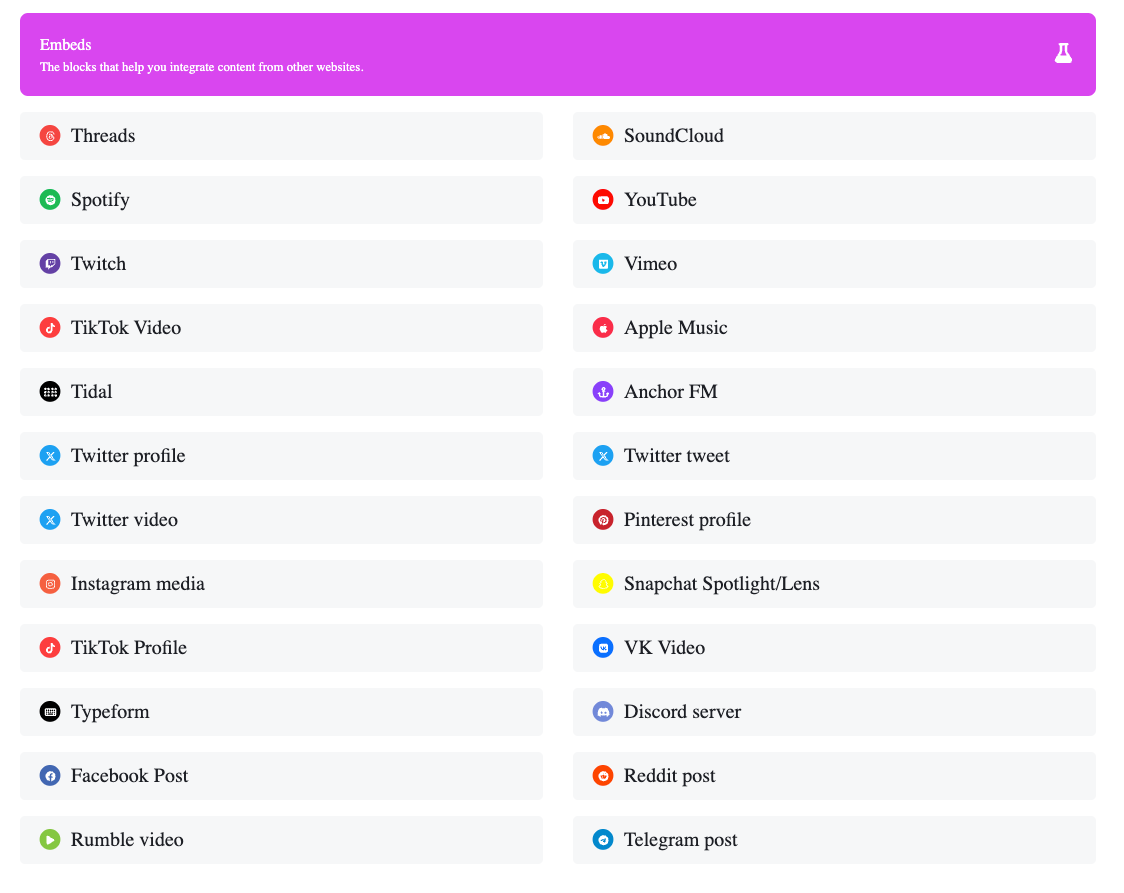
In the same way, you can add one block or more blocks for each of these social media
Conclusions
Integrating content from popular platforms into your biolink page is essential for a great user experience. By using YouTube, Spotify, Instagram, and Twitter, you can create a dynamic and engaging environment, increasing the likelihood of maintaining your audience’s attention and encouraging interaction.
 English
  Spanish
  German
  Portuguese
  French (France)
  French (Canada)
  Arabic
  Japanese
  Hindi
Hindi  Russian
  Indonesian
  Malay
Malay  Korean
  Tagalog
  Turkish
  Tamil
Tamil  Chinese (China)
  Chinese (Hong Kong)
  Chinese (Taiwan)
  Italian
  Greek
Greek  Dutch
Dutch