Steps to Design a Digital Business Card
1. Access the application
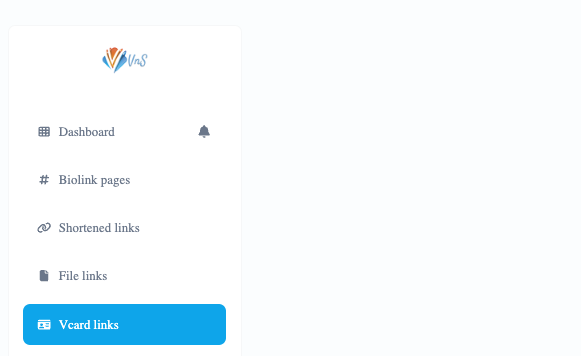
2. Click on the “VCARD Link” option in the Menu
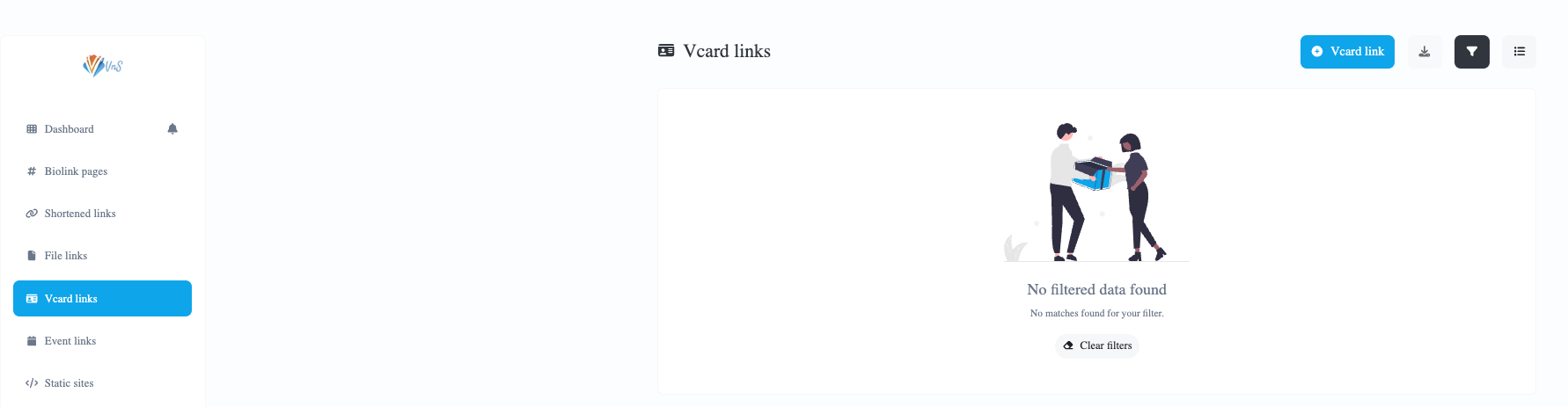
3. Click on the blue button “+ Link Vcard”
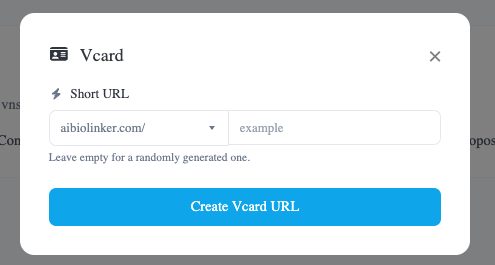
Enter the name you want to give your vcard link in the appropriate field and then click on Create Vcard URL.
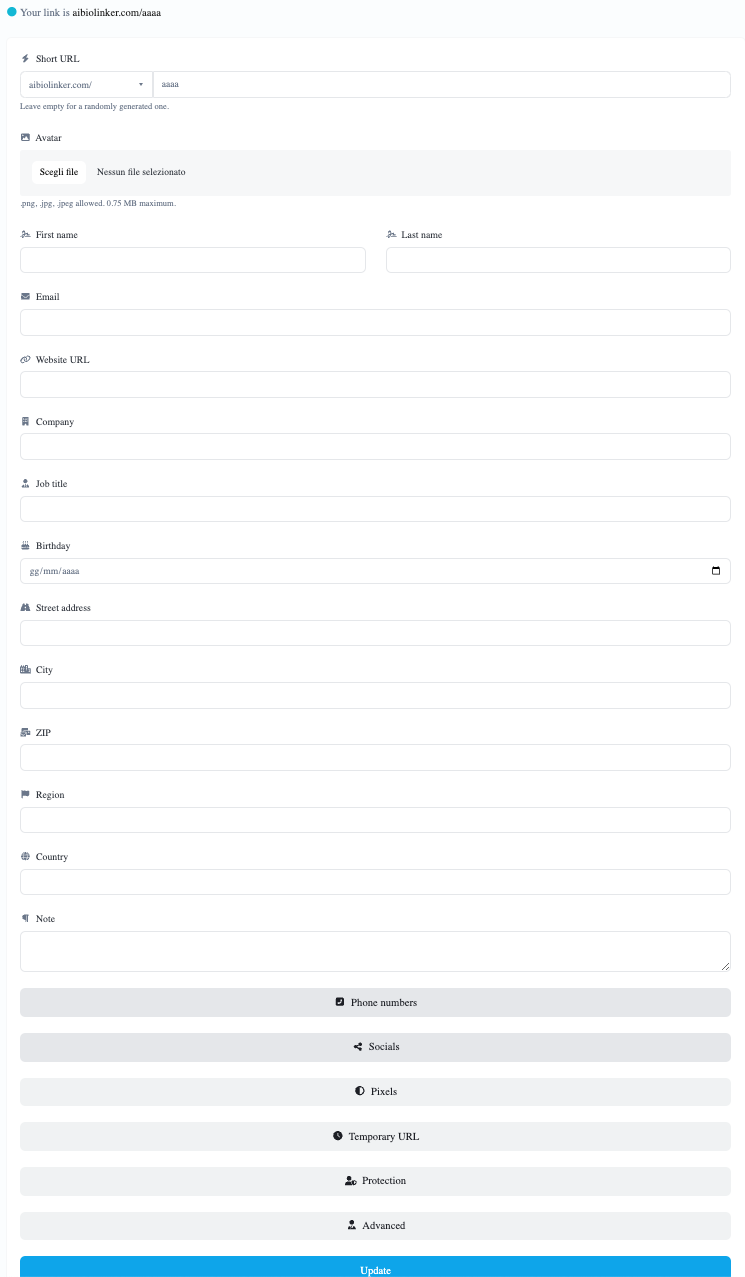
4. Customize your Vcard Link
Click on the 3 dots to the right of the created link to access the menu and click on EDIT, enter all the data you want.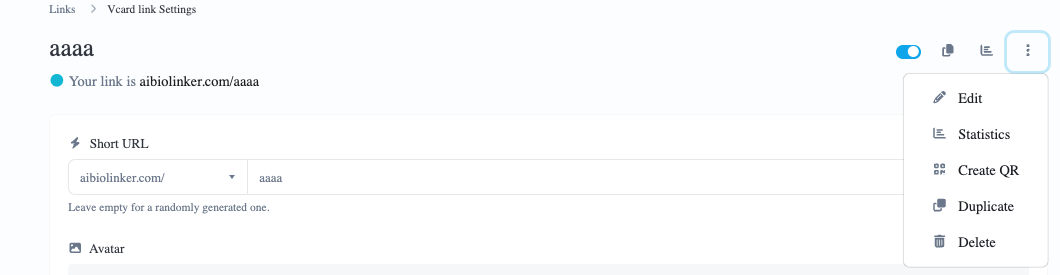
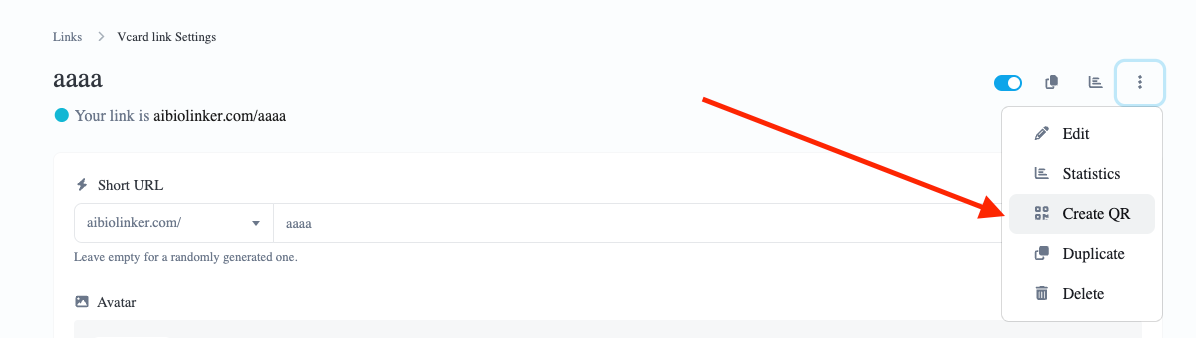
5. Create QR Code
One advantage of digital business cards is the integration of QR codes. You can generate a QR code that redirects to your VCARD. This facilitates linking and quick access to your information.
6. Review and Test
After completing the customization, it is important to carefully review every detail of your digital business card. Make sure all information is correct and test the links and QR codes to ensure they work.
7. Saving
Once you are satisfied with the result, you can save the business card to your AiBioLinker account. This will allow you to make changes in the future.
Conclusão
Creating a digital business card using AiBioLinker is a simple yet powerful process. By following these steps, you can implement an effective tool for professional networking, saving time and enhancing your digital presence.
 English
  Spanish
  German
  Portuguese
  French (France)
  French (Canada)
  Arabic
  Japanese
  Hindi
Hindi  Russian
  Indonesian
  Malay
Malay  Korean
  Tagalog
  Turkish
  Tamil
Tamil  Chinese (China)
  Chinese (Hong Kong)
  Chinese (Taiwan)
  Italian
  Greek
Greek  Dutch
Dutch